


EtherWAN industrial Ethernet switches connect controllers, sensors, cameras and other devices in industrial networks. Choose managed or unmanaged switches according to your need for network control, then check operating temperature, Ethernet speed, fiber uplinks, redundancy and PoE power requirements.
For critical networks: choose a managed switch when you need VLAN segmentation, QoS traffic prioritization, multicast management or network monitoring. Selected hardened managed models support ERPS/α-Ring, STP/RSTP/MSTP, redundant power and PoE. Check the selected model’s datasheet for supported features and operating limits.
Explore our switch portfolio
Choose whether you need network management, then match the operating environment. Explore product series in the selected family.
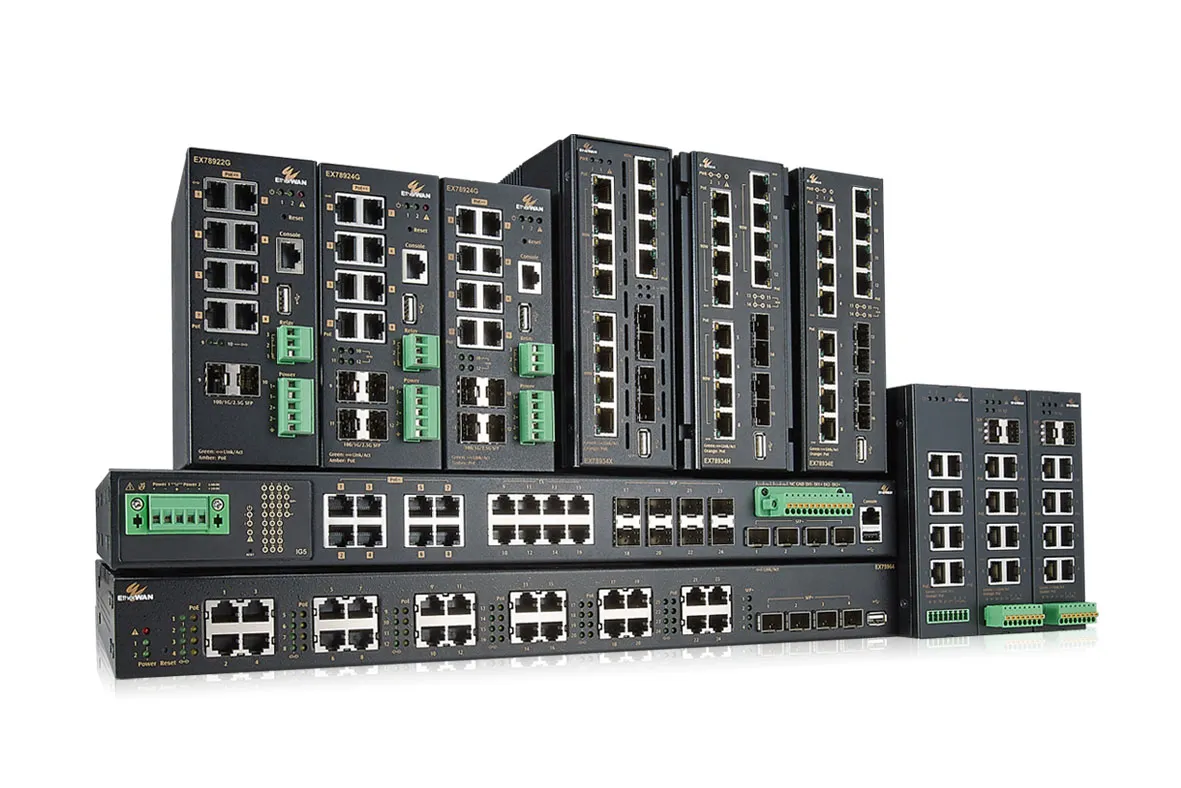
Hardened Managed Switches
Manage industrial Ethernet networks with monitoring and control across demanding temperature conditions.
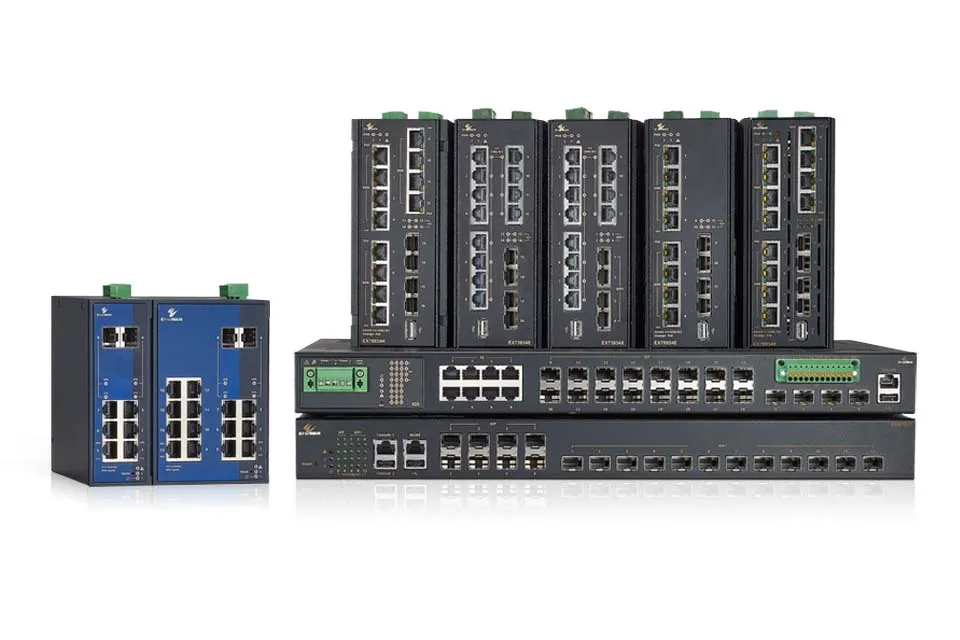
Industrial Managed Switches
Configure VLANs and prioritize Ethernet traffic to organize communication between industrial devices.
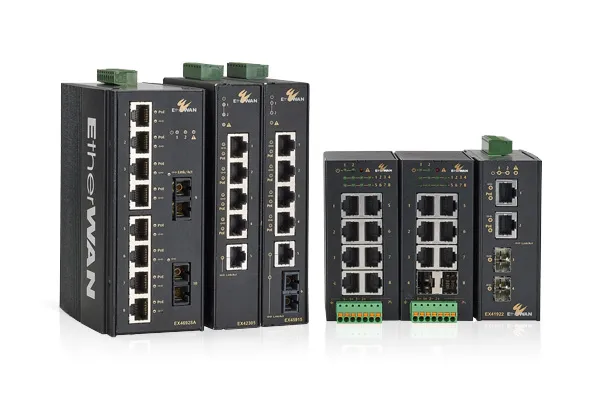
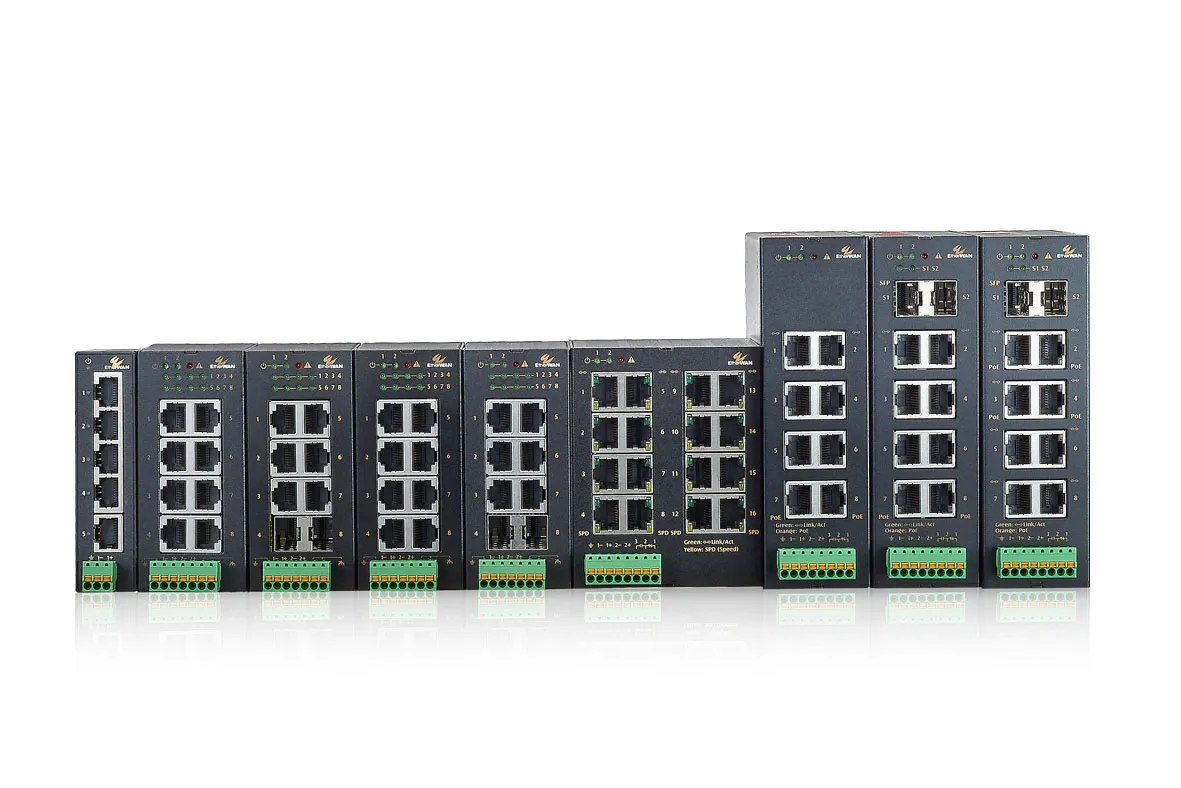
Need routing or device power?
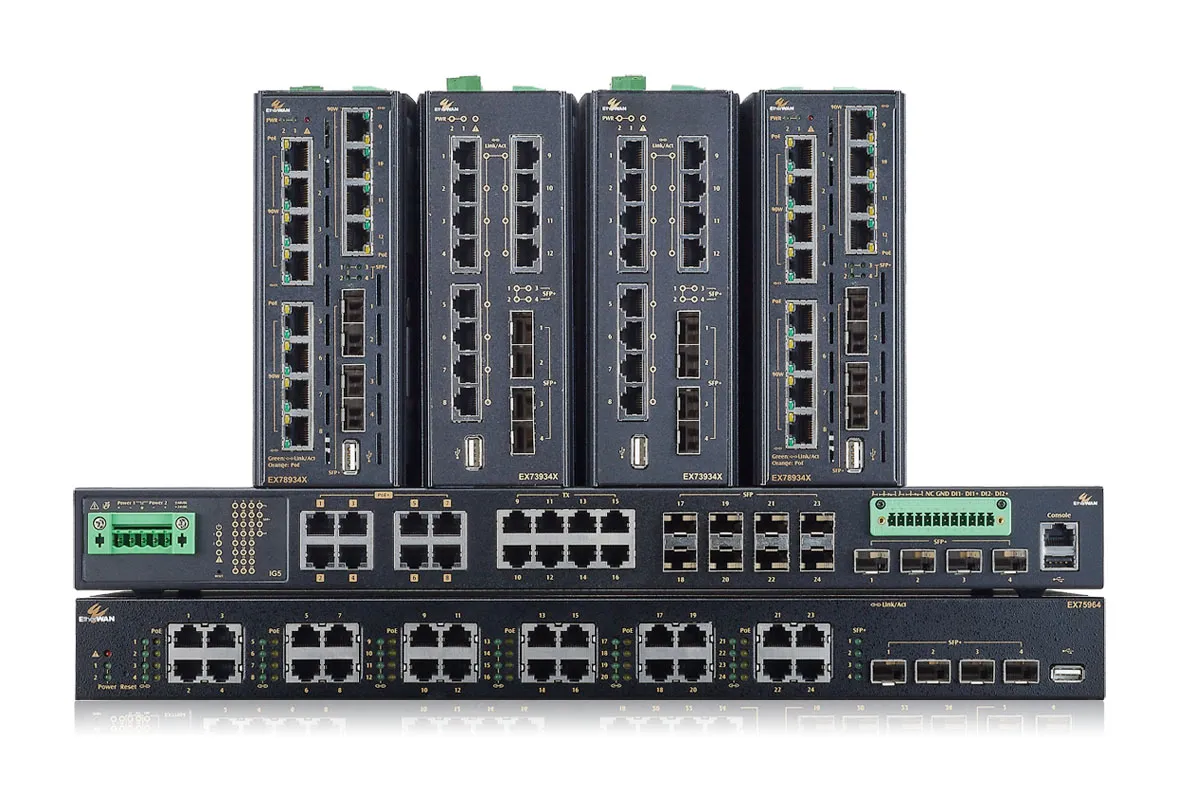
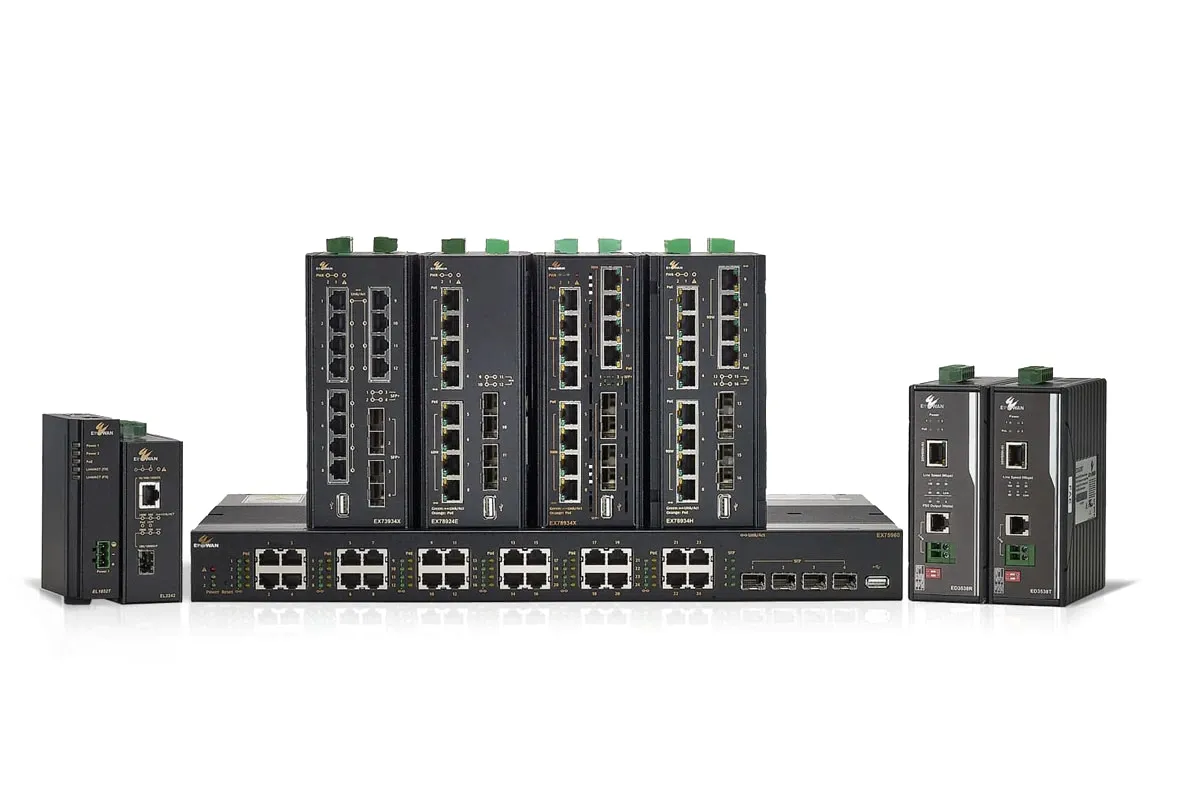
Categories may overlap. Available features and operating limits depend on the selected series and model.
What does your network need?
Start with your power, bandwidth or project standards requirement. Select a need to see featured product examples.

High-Power PoE
Power devices that need more than 30 W per port, such as PTZ cameras.

High-Speed Uplinks
Connect multiple devices to the backbone through faster fiber uplinks.


High-Power PoE
Power demanding cameras, wireless APs and field devices.
Featured products
EX75900 Series
For rackmount networks connecting many PoE devices.
Up to 720 W total PoE budget
24 Gigabit PoE ports · 10G uplink options
Per-port output and total PoE budget are different. Ratings vary by ordering model, supply and temperature. Confirm the number and allocation of high-power ports; not all ports can necessarily supply their maximum power simultaneously.
Selected examples, not a complete product list.
High-Speed Uplinks
Match uplink bandwidth to aggregated network traffic.
Featured products
EX71900G / EX61900G
100M/1G/2.5G SFP by model
8 Gigabit RJ45 ports · 0, 2 or 4 SFP slots
Uplink speed is separate from the copper device-port speed. These examples do not indicate 2.5G or 10G RJ45 ports. Match the exact ordering model and supported transceiver to the link.
Selected examples, not a complete product list.
IEC 62443-4-2 Certified Switches
For projects requiring certified industrial cybersecurity capabilities.
Featured products
Confirm the certification scope, hardware and firmware version applicable to your project. Product certification does not certify an entire network.
Selected examples, not a complete product list.
Power & Substations
Match power utility and substation environmental requirements.
Featured products
Confirm the required standards, operating conditions and functions for the selected model. Environmental compliance and support for communication protocols are separate requirements.
Selected examples, not a complete product list.
What does your network need?
Managed or Unmanaged? →
Choose the level of network control you need.
Layer 2 or Layer 3? →
Decide whether your network needs inter-VLAN routing.
Fast Ethernet or Gigabit? →
Match link speed to your application’s bandwidth.
Switches for IP Cameras →
Check camera bandwidth, PoE and uplink capacity.
Need help choosing? Explore our selection guide →
IEC 62443-4-2 Certified Industrial Ethernet Switches
Explore EtherWAN’s certified switch portfolio for critical industrial networks.
Industrial Ethernet Switch FAQs
What is the difference between managed and unmanaged industrial Ethernet switches?
Managed industrial Ethernet switches offer configurable network features such as VLANs, QoS and monitoring. Unmanaged switches provide connectivity without switch configuration. Choose managed switches when your application requires traffic control or visibility; supported features vary by model.
Compare managed and unmanaged switches →What is the difference between Layer 2 and Layer 3 managed switches?
Layer 2 switches forward Ethernet frames using MAC addresses, typically within a VLAN. Layer 3 switches also route IP traffic between subnets or VLANs. Choose Layer 3 when routing is required at the switch; check the model’s supported routing features.
Read the Layer 2/Layer 3 FAQ →What should I check when choosing an industrial PoE switch?
Check each powered device’s required PoE standard, the switch’s power available per port, its total PoE budget and its power supply requirements. Also verify Ethernet speed and operating temperature. IEEE 802.3af, IEEE 802.3at and IEEE 802.3bt support depends on the selected model.
Explore industrial PoE solutions →How do I choose a root switch in an STP/RSTP network?
STP/RSTP elects the root bridge using the bridge ID, which includes bridge priority and a MAC address. To favor a specific switch, configure its bridge priority lower than that of the other switches.
Read the STP/RSTP root switch FAQ →Why does α-Ring report a topology change?
A failed link can change an α-Ring network’s topology and trigger a notification through syslog. Check the affected ring links and event logs to identify the change.
Read the α-Ring topology change FAQ →What does a Link Up/Link Down SNMP trap monitor?
Link Up/Link Down SNMP traps report changes in a switch port’s operational status to an SNMP manager. Enable the relevant traps and configure the trap destination according to the switch manual.
Read the SNMP Link Up/Link Down FAQ →


